
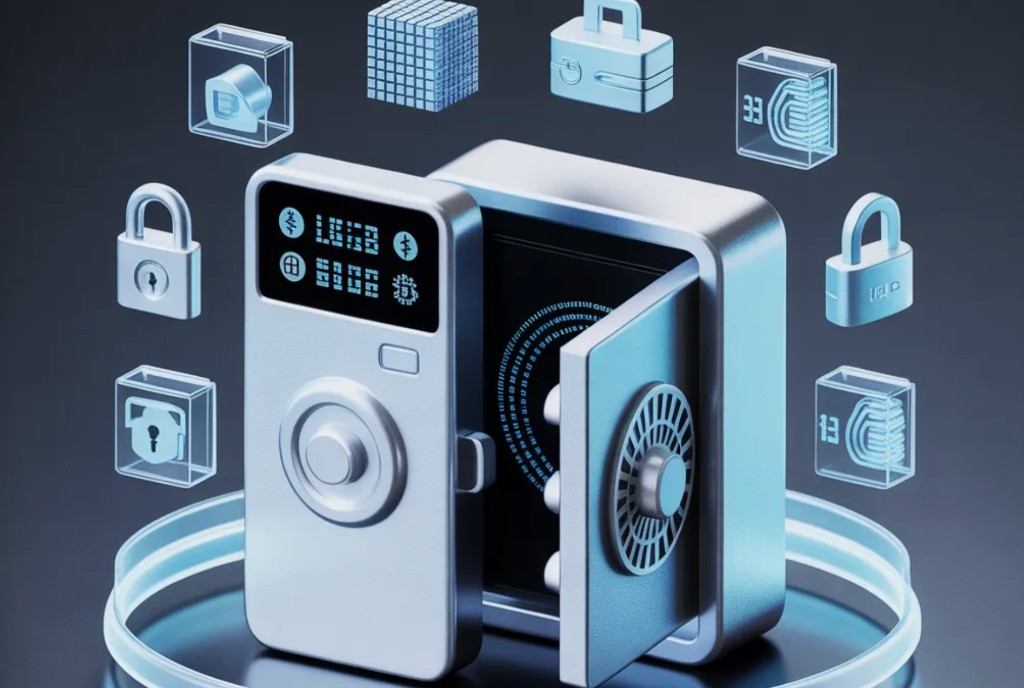
Crypto Card Security: How to Protect Your Binance Card Funds
Binance Card funds are stored on the Binance exchange and not in a separate government-insured bank account. This means that the risks of the exchange (account hacking, phishing, regulatory blocking) also apply to the card balance. The main rule: keep on the card only the amount that you plan to spend in the coming days.
In short: enable 2FA, use a hardware key or Google Authenticator (not SMS), set limits on the card, do not store large amounts on the exchange. For storage - a cold wallet or a hardware wallet.
What risks does the Binance Card have?
Key vulnerabilities:
- Binance account hacking - through phishing, weak password or SIM-swap (SMS interception). If an attacker gains access to the account, he also gains access to the card.
- Phishing emails and sites - fake binance.com domains (binnance.com, binance.net, etc.). Enter the address manually or use a bookmark.
- Regulatory Risk - Binance may freeze your account upon request of the authorities. Money on the exchange is not insured by the government.
- Physical loss of card - Visa card, data can be compromised if leaked to the merchant.
How to set up two-factor authentication to protect Binance?
- Open the "Security" section in the Binance app.
- Enable the authenticator (Google Authenticator or Binance Authenticator). SMS verification is much weaker due to SIM-swap attacks.
- Save the backup key (seed phrase) of the authenticator in a safe place outside the device (print it and put it in a safe).
- Activate login and transaction notifications by email.
- Add a hardware security key (YubiKey) as an additional factor.
How to limit losses when a card is compromised?
Practical measures:
- Keep only the working amount on the “Card” balance - transfer the rest to a cold wallet (Ledger, Trezor) or to Earn.
- Set a limit transactionsin the card settings: the maximum amount of one payment and the daily limit.
- Disable cash withdrawalsif you do not use ATMs.
- Receive a notification for each transactionvia push and email.
What to do if the card or Binance account is compromised?
- Immediately freeze the card through the application (Binance - Card - Freeze).
- Change the password and reset 2FA from the new device.
- Contact Binance support through the official website (not email!).
- Notify the issuing bank (Visa) about the compromise.
- Record all transactions for dispute (dispute) through Binance Support.
Frequently asked questions about security crypto cards
Is the Binance Card safer than a regular bank card?
In terms of chargeback protection, no: crypto transactions do not have a refund mechanism, like regular bank payments. But Binance Card has no overdraft risk and you can instantly freeze the card in the application.
Do you need to go through KYC to use the card?
Yes. The issue and active operation of the card requires full identification verification on Binance (passport + address confirmation).
How to store your main savings in crypto safely?
Use hardware wallets (Ledger, Trezor) for long-term storage. To the exchange and card - only the transaction amount. Read more about the types of wallets in guide to crypto wallets.
What is SIM-swap and how to protect yourself from it?
SIM-swap is a fraudulent re-issuance of a SIM card through a telecom operator. The attacker receives your number and intercepts SMS codes. Protection: abandon SMS-2FA in favor of an authenticator application and notify the operator that SIM re-issuance is prohibited without a personal visit.
What to do if your Binance account is hacked or your card is stolen?
The speed of reaction in the first 15-30 minutes determines how much you can save. Step-by-step action plan in case of compromise:
| Priority | Action | Where |
|---|---|---|
| 1. Immediately | Freeze the card in the application (Card -> Freeze) | Binance App |
| 2. Immediately | Revoke all API keys (API Management -> Delete All) | Binance Web |
| 3. Immediately | Contact support to block your account | support.binance.com |
| 4. First hour | Apply for transaction investigation | Live Chat |
| 5. First day | Change email + 2FA + password from new device | Security Settings |
Binance guarantees a refund in case of fraud only in limited cases (unauthorized access confirmed). Self-defense is more important: use a hardware key (YubiKey) instead of SMS-2FA, never store seed phrases in the cloud, keep most of your BTC in a cold wallet rather than on an exchange. For mining payments, we recommend withdrawing your accumulated funds to your hardware wallet once every week or two, rather than keeping everything on Binance. Current conditions for safe withdrawals from pools are at POOL BTC.
Result: security of crypto assets - a systematic approach
Security of crypto accounts in 2026 is based on three principles: a hardware key instead of SMS-2FA, separation of hot and cold wallets, regular withdrawals from the exchange. This is especially important for a miner: regular payments accumulate, and losing access to the exchange can mean losing months of work. Set up automatic withdrawal from the pool directly to your hardware wallet when you accumulate 0.01-0.05 BTC. Withdrawal conditions and minimum amounts for different pools are at POOL BTC.